
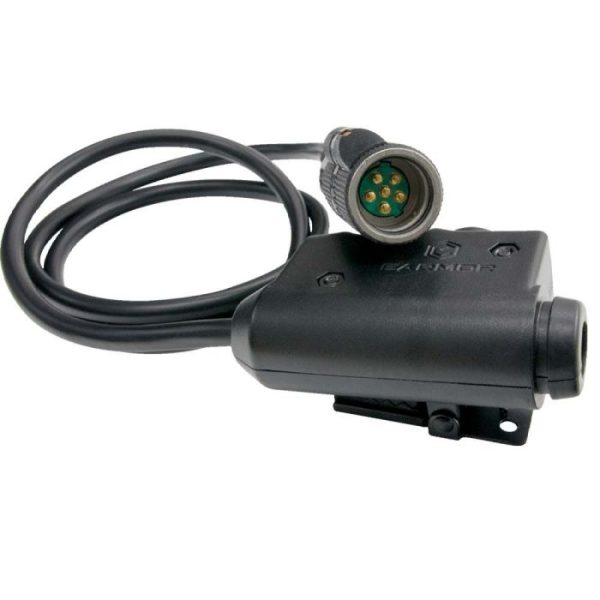
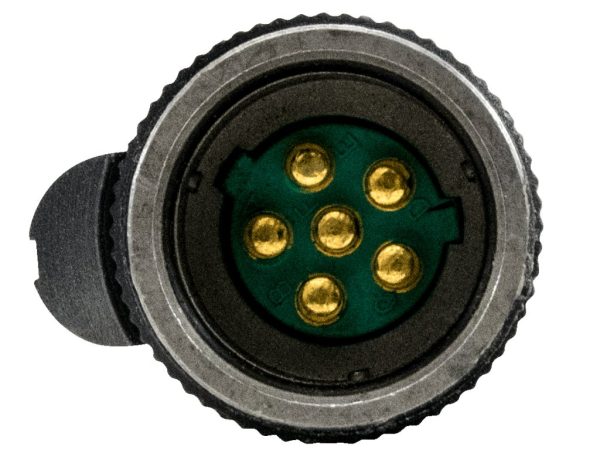
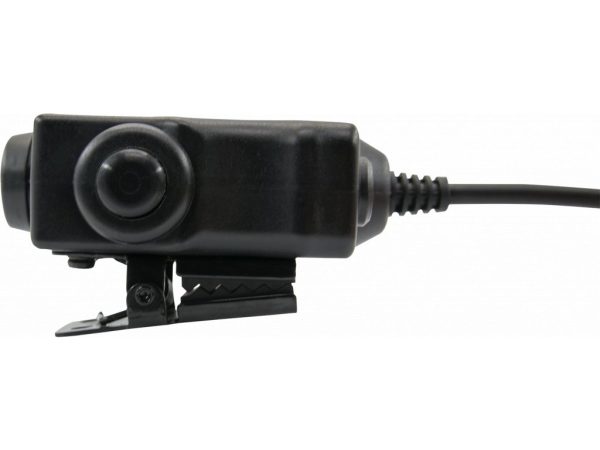
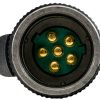
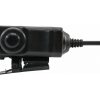
EARMOR push to talk button M52 Military Version PTT Module – NATO 6-pin
113,90 € VAT included
1 in stock
🕒 ORDERABLE IN 7/10 DAYS
EARMOR M52 Military Version PTT Switch with a NATO 6-pin military connector is designed for original military radios such as AN/PRC-148, PRC-152 (MBITR) and similar models. It provides fast and reliable Push-To-Talk communication in the field. It also features a Nexus TP-120 (NATO 7.0 / MIL-STD 4-pin) connector for EARMOR and Peltor headsets and a metal belt clip for secure attachment.
EARMOR M52 Military Version PTT Switch
The M52 PTT module is a dedicated military-grade Push-To-Talk unit designed to connect a tactical headset with professional military radios such as the AN/PRC-148 and AN/PRC-152. Simply connect it between a NATO 6-pin military radio and a Nexus TP-120 headset to gain instant one-button communication. The large PTT button provides positive tactile feedback and is easy to operate even while wearing gloves, making it ideal during movement or under stress. The housing is made from durable polymer, providing excellent durability while keeping weight to a minimum. On the back, you’ll find a sturdy removable metal clip for attaching the PTT to MOLLE webbing, a belt, or a shoulder strap, ensuring it’s always within easy reach. A practical addition is the 3.5 mm side port for connecting an external switch, such as the M50 finger PTT. The M52 is designed for TP-120 military-standard headsets, including Peltor, EARMOR Mark Series, and standard EARMOR headsets. It may also work with other TP-120-compatible brands, although compatibility cannot be guaranteed. It is not compatible with Z-Tactical, TAC-SKY, or Element products.
Key Features

Technical Specifications
- Model: M52 Military Version
- Radio Connector: NATO 6-pin
- Headset Connector: Nexus TP-120 (NATO 7.0 / MIL-STD 4-pin)
- Material: Polymer
Package Contents
- EARMOR M52 Military Version PTT Switch (NATO 6-pin)
- Removable metal clip
Frequently Asked Questions (FAQ)
Will it work with the Baofeng AR-152?
No. Although the Baofeng AR-152 is styled after the AN/PRC-152, it is a replica using a Kenwood 2-pin connector. You’ll need the EARMOR M51 Kenwood PTT instead. The M52 Military Version is designed exclusively for original military radios equipped with a NATO 6-pin connector.
Does it work with headsets from other brands?
If they use a genuine Nexus TP-120 (NATO standard) connector, there’s a good chance they will. However, lower-cost brands such as Z-Tac or Element often use different wiring, so compatibility may be limited or unavailable.
What is the 3.5 mm side port for?
It allows you to connect an external PTT switch, such as a finger-mounted or weapon-mounted switch. It’s especially useful when you want instant communication without reaching for your vest.
Where should I mount the PTT on my gear?
The best location is on your vest’s shoulder strap, where you can easily reach the button without looking. A common mistake is mounting it too low or too far to the side, which slows communication during gameplay. Ideally, mount it on the opposite side of your shooting shoulder—for example, if you shoulder your rifle on the right, place the PTT on the left.
Only logged in customers who have purchased this product may leave a review.
Related products
-
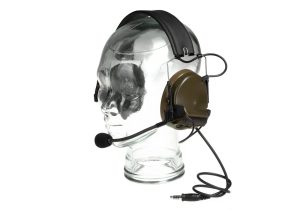
Z-Tactical Comtac III Headset Military Standard Plug Foliage Green
91,90 € VAT included -
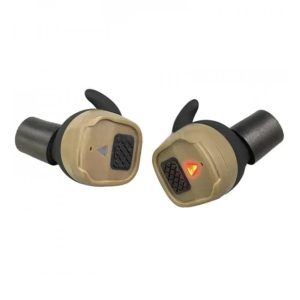
EARMOR M20T PRO Bluetooth Earplugs Hearing Protection – Coyote Brown
92,90 € VAT included -
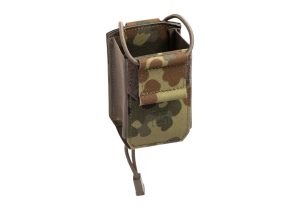
Clawgear Small Radio Pouch LC Flecktarn
26,90 € VAT included -
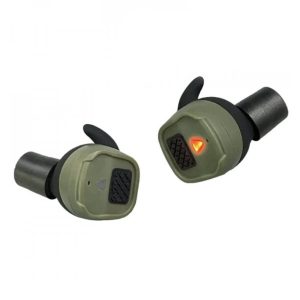
EARMOR M20T PRO Bluetooth Earplugs Hearing Protection – Green
93,90 € VAT included

Reviews
There are no reviews yet.